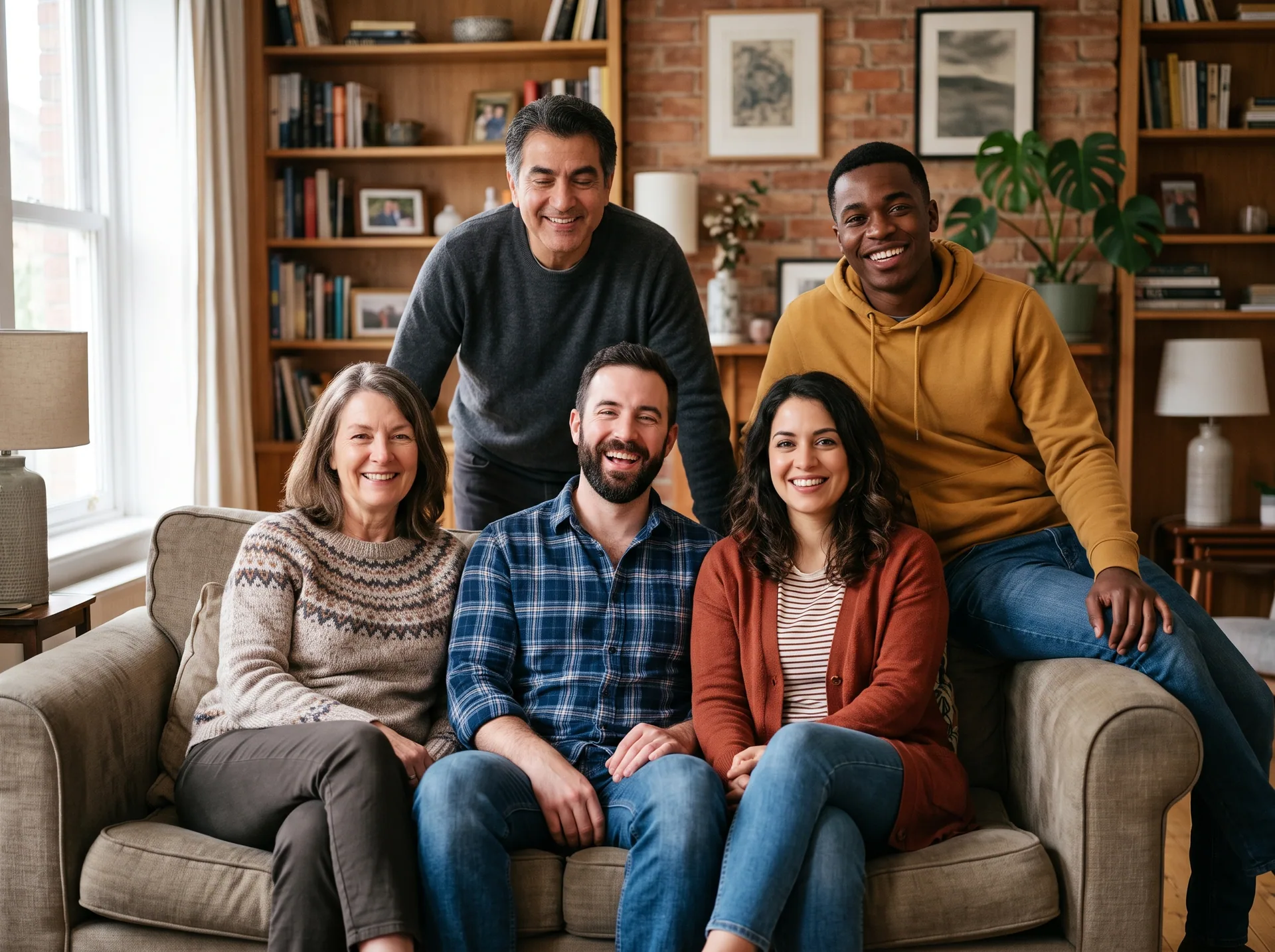
Everyone faces camera · someone blinks
Fix closed eyes in group photos using a real frame from your own shots — the same person, from a real photograph. No AI-generated faces.
Preparing photos…
Full Group Photo EditorOriginal shots
Everyone faces camera · someone blinks
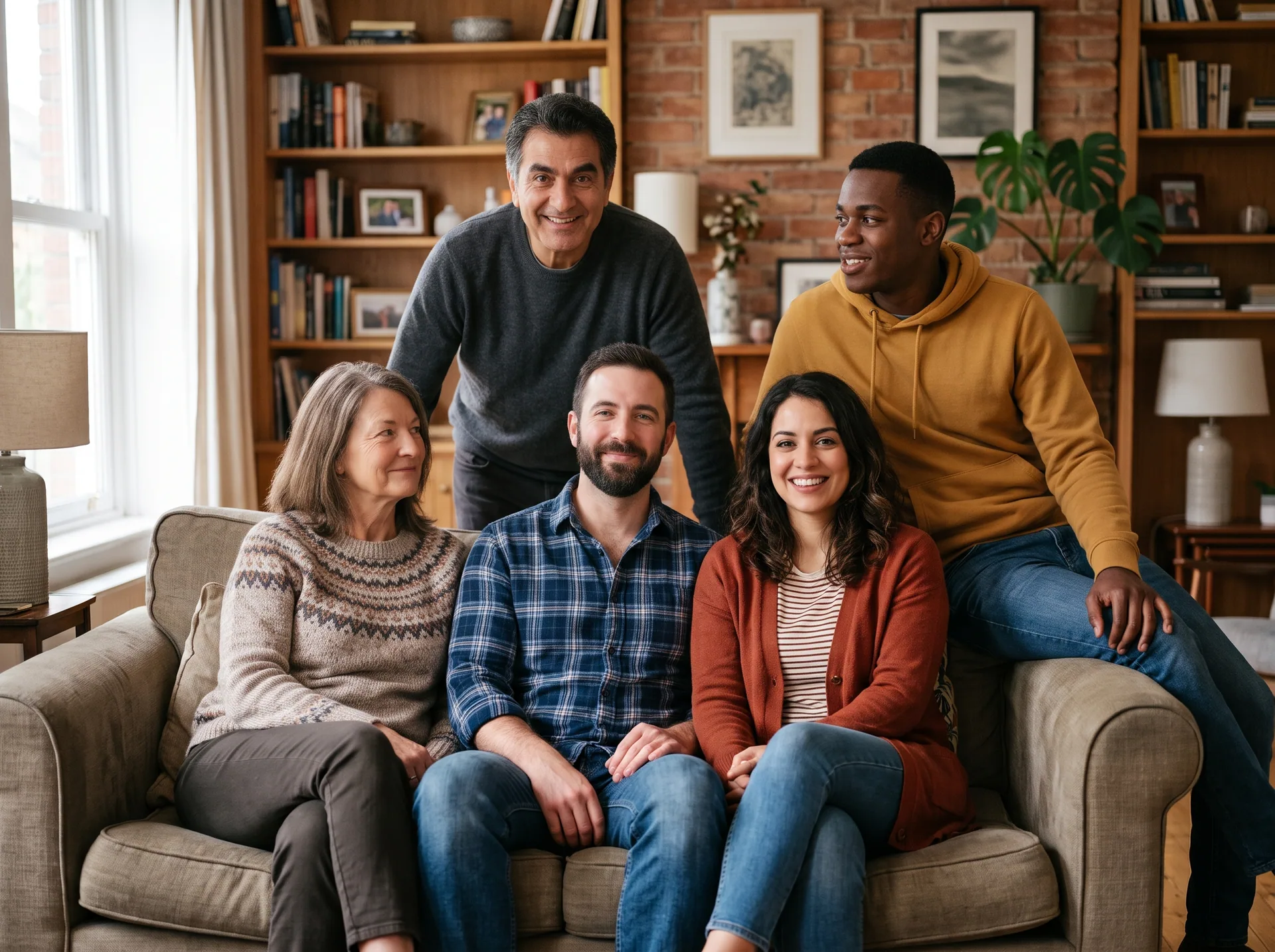
Everyone's eyes are open · someone looks away
Finished photo
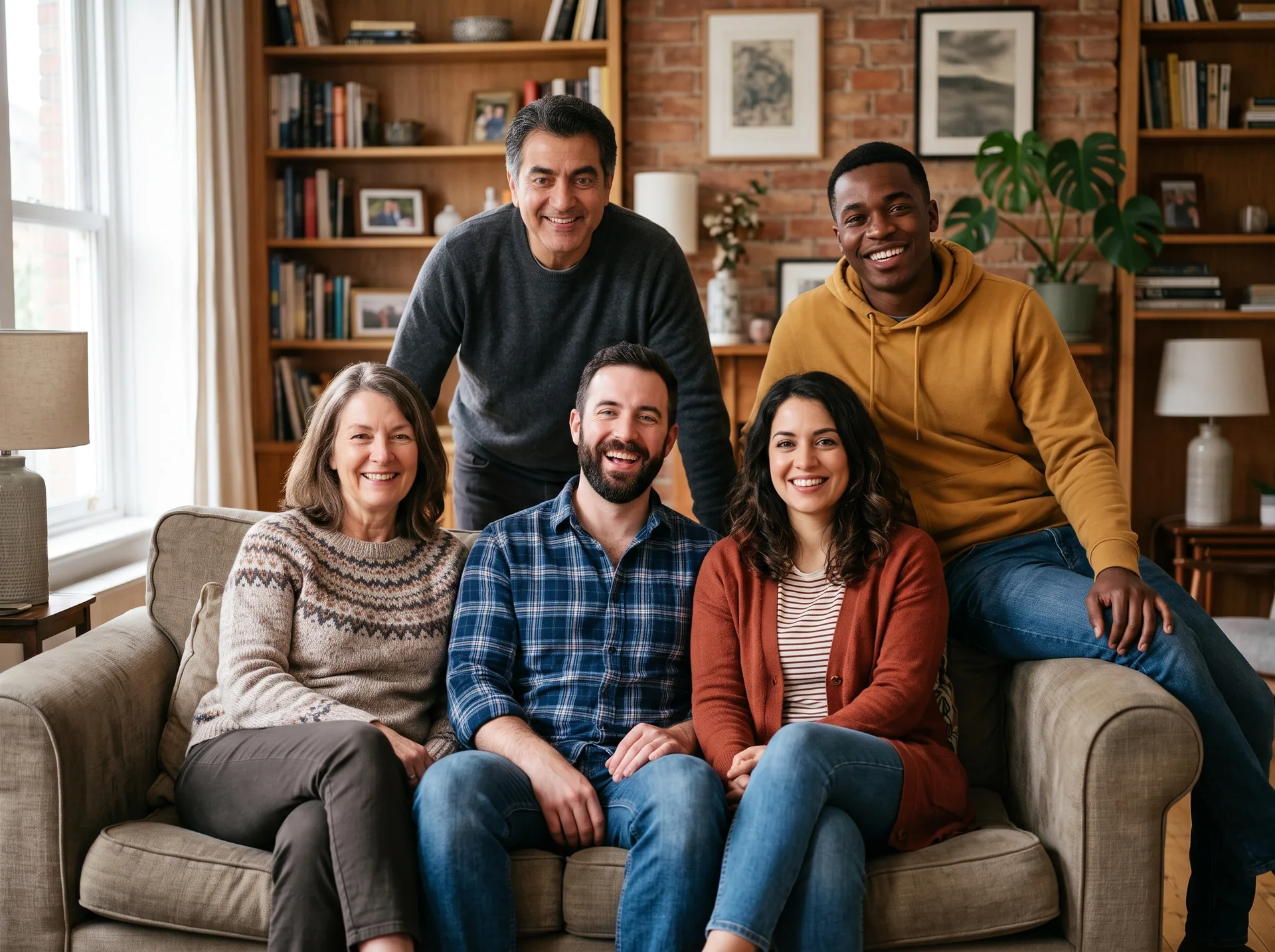
The source photos are AI-generated examples; the finished image is an actual tool output.
Eyes come from your own source photos. Nothing is generated.
Upload the photo you want to keep, then add up to nine open-eye reference photos. Nearby burst shots work best. You can also use a photo taken at another time by manually confirming the person and usable eyes.
Select a person, correct any detection mistakes, choose a reference and click Apply. Check the same-area before/after detail before downloading. Similar pose and lighting help; a Live Photo must first be saved as a still frame.
A generative editor may invent eyes. This tool uses the actual person’s eyes from another photo you supply. Nothing is synthesised. We align and blend those source pixels; we cannot promise that a blend will be undetectable or that every pair of photos will work.
You need a base photo and at least one usable open-eye photo of the same person. References may come from another day; they still need reliable landmarks and a compatible head angle.
With only one photo, there is no real source for the eyes. This tool cannot repair that case. Preview is free; a registered account and sufficient credits are required for an unmarked download.
For family photos, wedding groups and graduation or team pictures, start with nearby frames from the same scene. If some people need a different expression or identity review, continue in the full editor.
Yes, when another photo contains a clear open-eye view of the same person from a compatible angle. We align that real frame and blend only the bounded eye area. If the source is missing, ambiguous or unsuitable, we keep the face unchanged and explain what to try next.
Upload the group photo you want to keep and add another shot from a few seconds before or after it. The tool checks identity, eye opening, pose and source quality before repairing suitable faces. Review the protected preview, especially any unresolved people, before requesting a paid unmarked download.
No app installation is required. Open this page in your browser and select photos from your device. Uploading and viewing the protected preview do not require registration. You need to sign in only to request an unmarked face-repair export, and that export requires enough credits in your account.
We use pixels from another real photo of the same person rather than generating a face or inventing eyes. Similar lighting and head position help the blend look natural. The tool rejects uncertain identity matches, but you should still inspect the result before downloading or sharing the final photo.
This tool needs a second real source, so it cannot open eyes from a single photo. Look for a nearby burst image, a still frame exported from a Live Photo, or a photo someone else took from a similar position. We do not fall back to generated eyes.
The browser interface works on supported iPhone and Android browsers as well as desktop computers. You can choose JPEG, PNG, WebP and HEIC photos; HEIC is converted locally before processing. Large files and crowded group photos can take longer on a phone. Keep this tab open while processing.